agentcad
Hand off CAD to your agent.
An open-source MCP server and CLI that lets your coding agent design, render, and export real CAD output.
build123d-native, CadQuery-compatible.
Open source · Free · No signup · Runs locally
 Star
StarNew
Using Meta's Muse agent for 3D printing and CAD
Meta's Muse agent found agentcad on skills.sh, designed a 3D-printable iPhone Duo bedside dock in about four minutes, and sent an STL and a USDZ to my phone.
Read the user guide →Try it
Paste this prompt into Claude Code, Cursor, or any coding agent. It installs agentcad and designs your first part:
Create a Python 3.12 virtual environment, then:

pip install agentcad[mcp]
agentcad init --name phone-stand

Design me a phone stand: a simple angled cradle
that holds a phone at 60 degrees. About 80mm wide,
50mm deep, with a 5mm lip at the bottom to keep the
phone from sliding. Show me a preview when you're done.
From empty folder to printable part in minutes.
Prefer to install it yourself? pip install 'agentcad[mcp]' on Python 3.10 to 3.12. More options in the docs. Source on GitHub (Apache-2.0).
Get release updates
Optional. New releases and agent-facing features. We’ll send a confirmation link before adding you. Browse past announcements in the change log.
See it in action
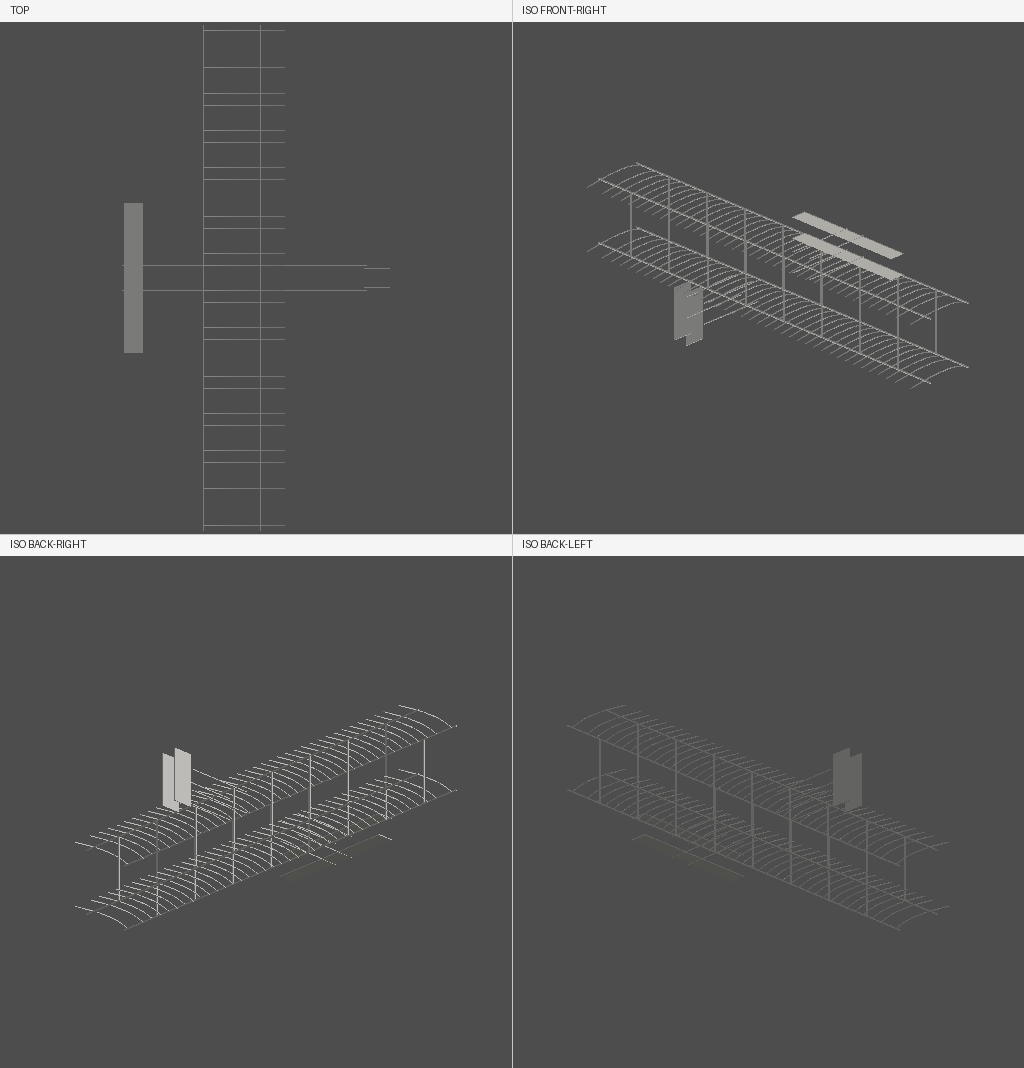
Watch one Claude session build the 1903 Wright Flyer end to end.
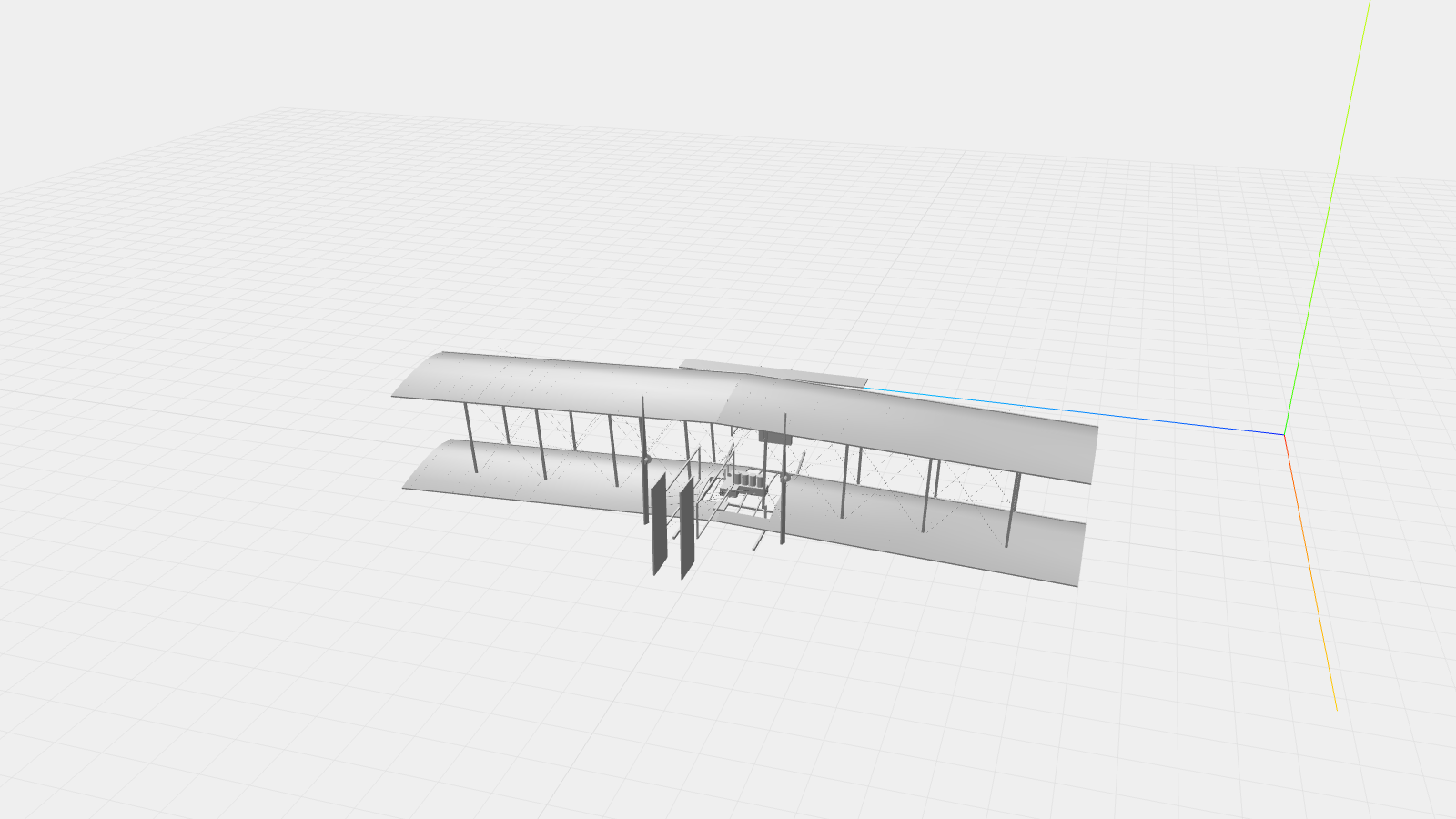
Case study · 2026
234 parts. Built with prompts.
A 3D reconstruction of the 1903 Wright Flyer, faithful to the Christman measured drawings, written in Python with agentcad.
See it in action →Agentcad in the wild
Made with agentcad
Each of these was designed by an AI agent using a single prompt.
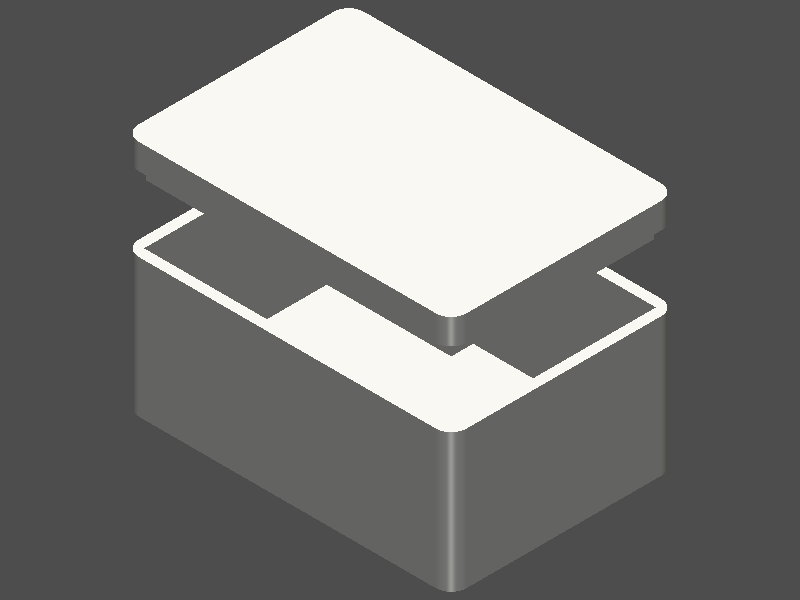
30 faces, 72 edges, 39cm³ volume, valid geometry
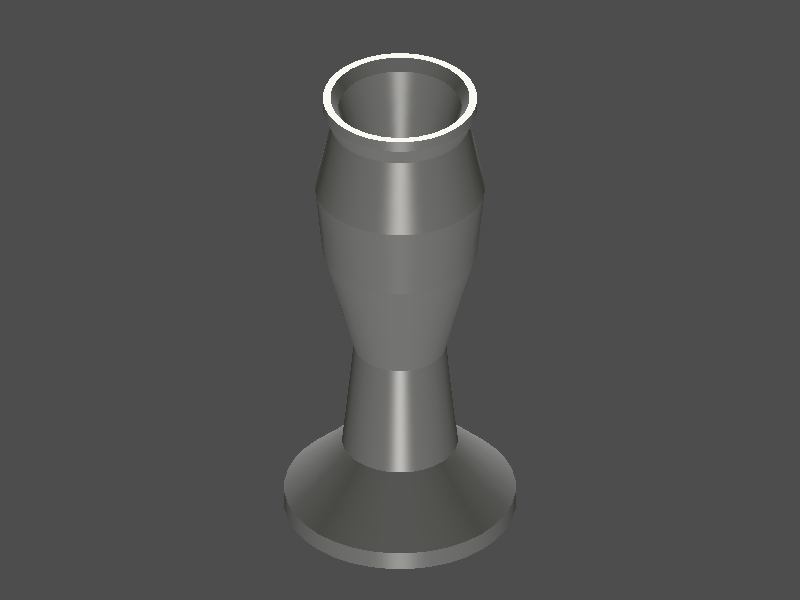
15 faces, 28 edges, 107cm³ volume, valid geometry
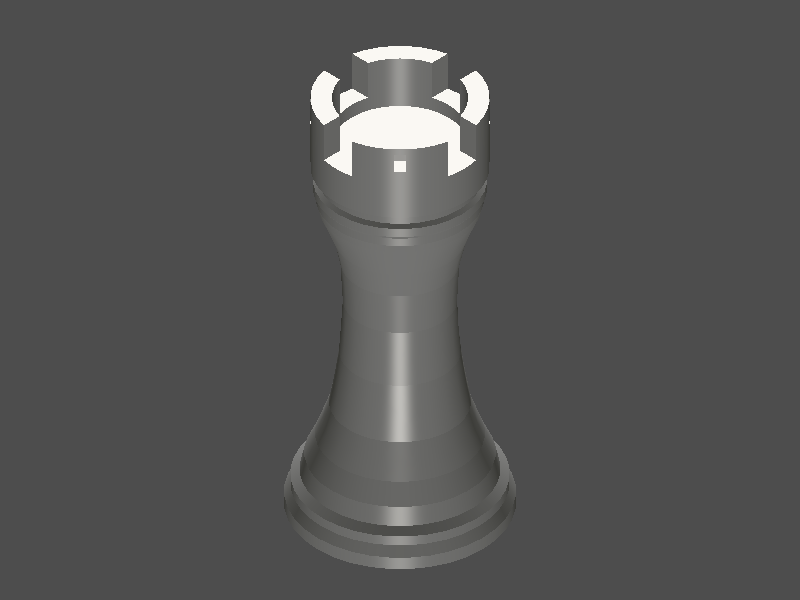
59 faces, 140 edges, 19.2cm³ volume, valid geometry
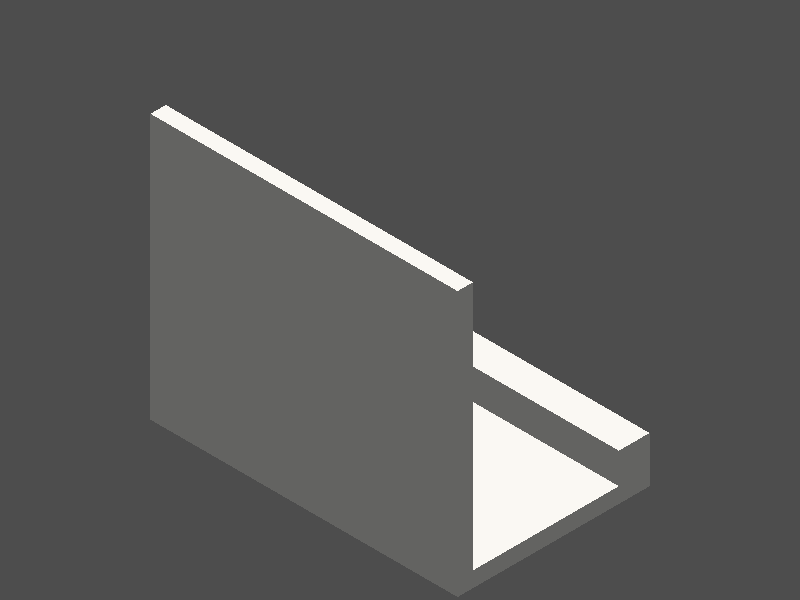
10 faces, 24 edges, 42cm³ volume, valid geometry
How it works
What the agent sees, runs, and hands back.
{
  "command": "run",
  "status":  "success",
  "metrics": {
    "dimensions": {
      "x": 6480.8,
      "y": 12293.6,
      "z": 1999.9
    },
    "volume":     305738441.28,
    "face_count": 684,
    "is_valid":   true
  }
}
How it works
Designed for human–agent collaboration.
Every run returns metrics and a render. The agent reads both — and catches its own mistakes before they reach you.
See the loop →What it does
Agents write bad geometry on the first try. agentcad gives them a tight feedback loop so they converge on printable geometry without you babysitting.
- Execute
- — run scripts, produce versioned STEP files + geometric metrics
- Render
- — PNG views from any angle for visual verification
- Export
- — STL, GLB, OBJ for 3D printing and web viewers
- Validate
- — pre-execution checks catch errors before anything runs
- Inspect
- — topology report for debugging geometry issues
- Diff
- — compare versions to track design iteration
No boilerplate
Scripts need zero imports. build123d primitives, show_object, and agentcad edit helpers are pre-injected:
box = Box(10, 20, 5)
show_object(box)
MCP integration
Add to .mcp.json for Claude Code, Cursor, or Windsurf. Works without a prior install — uvx caches the environment on first run:
{
  "agentcad": {
    "command": "uvx",
    "args": ["--from", "agentcad[mcp]", "python", "-m", "agentcad.mcp"]
  }
}Agent skill
agentcad init writes a Claude Code skill and an AGENTS.md block into the project, so your agent knows the workflow in every later session. Have a project from before that was automatic? Add the skill on its own:
agentcad skill install
Source: github.com/jdilla1277/agentcad