User guide · September 29, 2026
Using Meta's Muse agent for 3D printing and CAD
Printable CAD from an AI agent on my phone
See it in action
The task
PROMPT
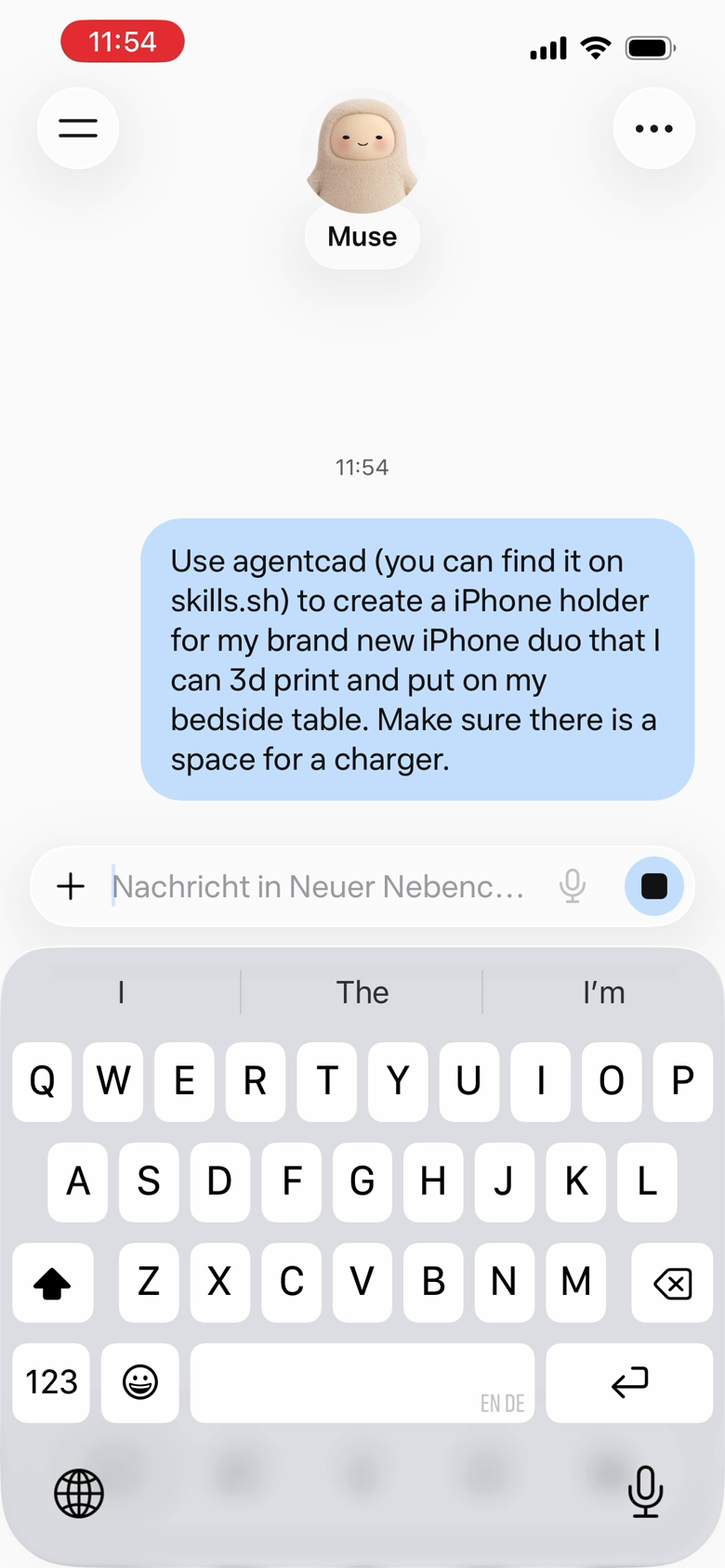
Use agentcad (you can find it on skills.sh) to create a iPhone holder for my brand new iPhone duo that I can 3d print and put on my bedside table. Make sure there is a space for a charger.
What the agent did
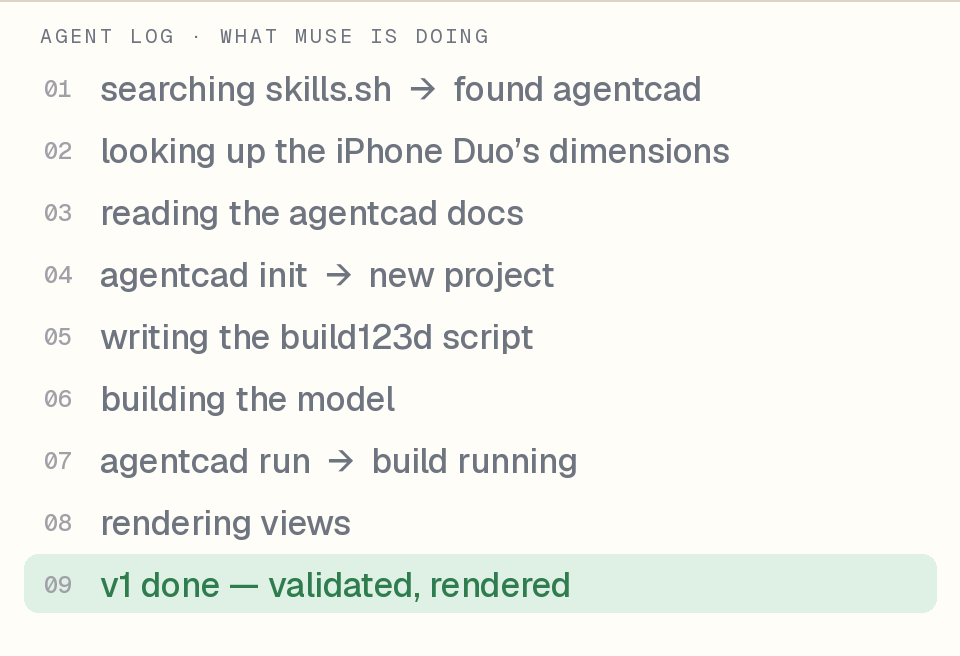
Muse shows a one-line status under its avatar while it works. Read in order, those labels are the agent's plan:
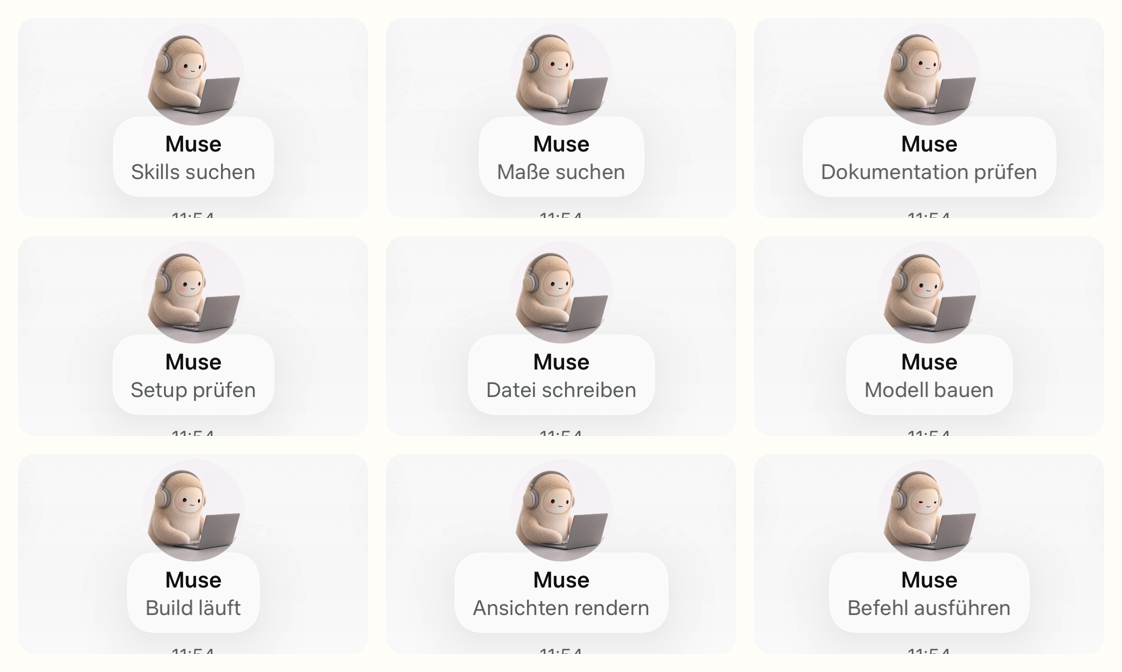
- 0:20searching skills.sh, found agentcadMuse status: Skills suchen
- 0:34looking up the iPhone Duo's dimensionsMuse status: Maße suchen
- 0:52 to 2:20reading the agentcad docsMuse status: Dokumentation prüfen
- 2:54creating a new agentcad projectMuse status: Projekt anlegen
- 3:02writing the build123d scriptMuse status: Datei schreiben
- 3:06building the modelMuse status: Modell bauen
- 3:30running the buildMuse status: Build läuft
- 3:56rendering viewsMuse status: Ansichten rendern
- 4:14replyingMuse status: antwortet
Two things stand out. The agent spent the longest stretch, about a minute and a half, reading documentation before it wrote a line of CAD. And it rendered views before replying, which is the loop agentcad is built around: build, render, inspect, then hand back.
What came back
Four minutes after the prompt, one message:
Done — designed, validated, and rendered with agentcad. It's a one-piece bedside dock for the Duo docked closed (84.1 × 117.8 × 11.3 mm):
- Reclined back plate at 70° with a 4 mm recess for the camera plateau, so it sits flat
- Raised jaw the phone rests on, with a 14 × 10 mm slot under the bottom-center USB-C port — plug in from below, cable drops through and routes out under the stand (it sits on 6 mm feet)
- Side rails to center it as you drop it in
Geometry passed every validation layer and I inspected the renders. Prints support-free.
One note: it's sized for the phone closed, not opened out. If you'd rather have it hold the Duo open, or want a MagSafe puck recess instead of the cable slot, say the word and I'll iterate.
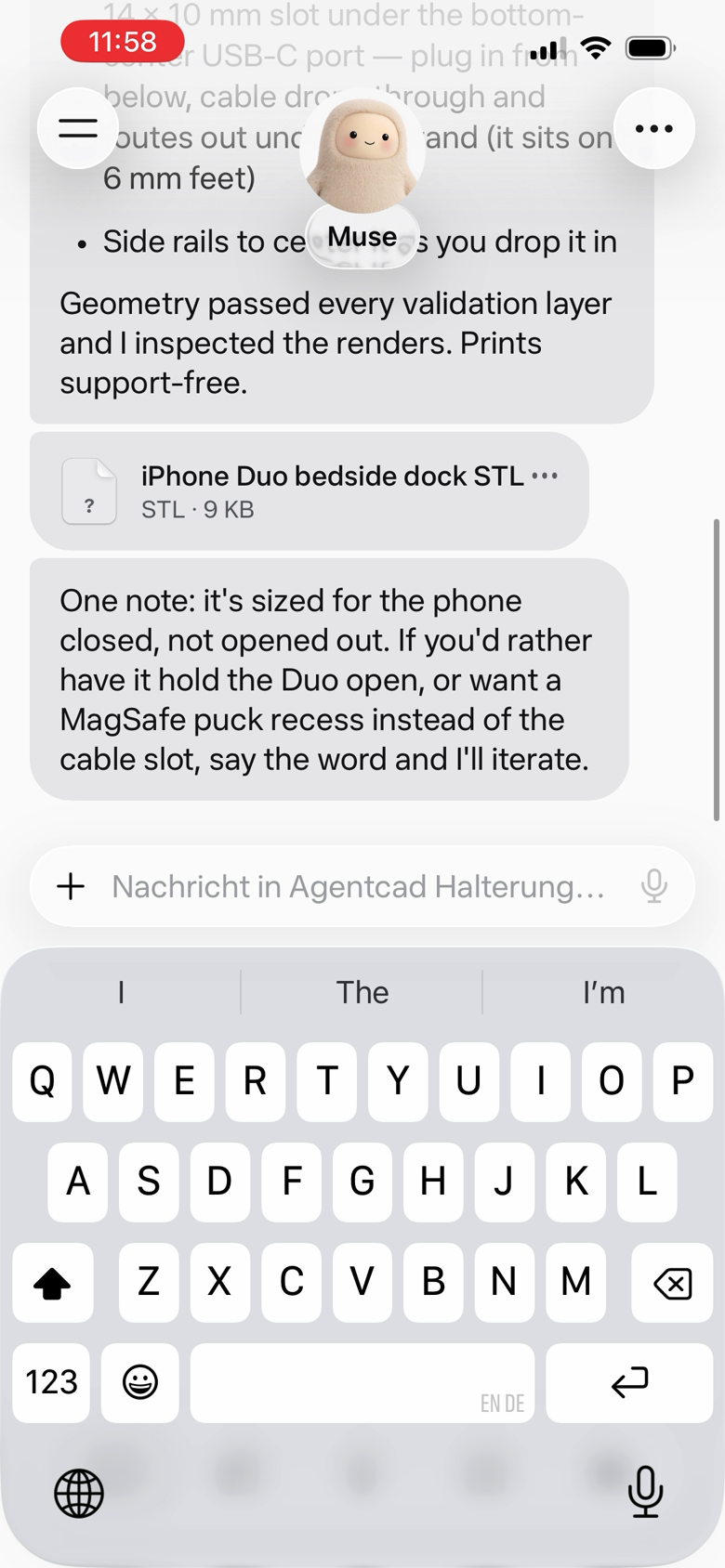
Attached: iphone-duo-bedside-dock.stl, 9 KB. The phone dimensions are right for the Duo closed, the charger requirement became a cable slot with a routing channel, and the agent volunteered the one assumption it made.
What the agent saw
agentcad renders every successful build so the agent can look at its own work before it reports back. These are the renders for the dock, straight from agentcad render:
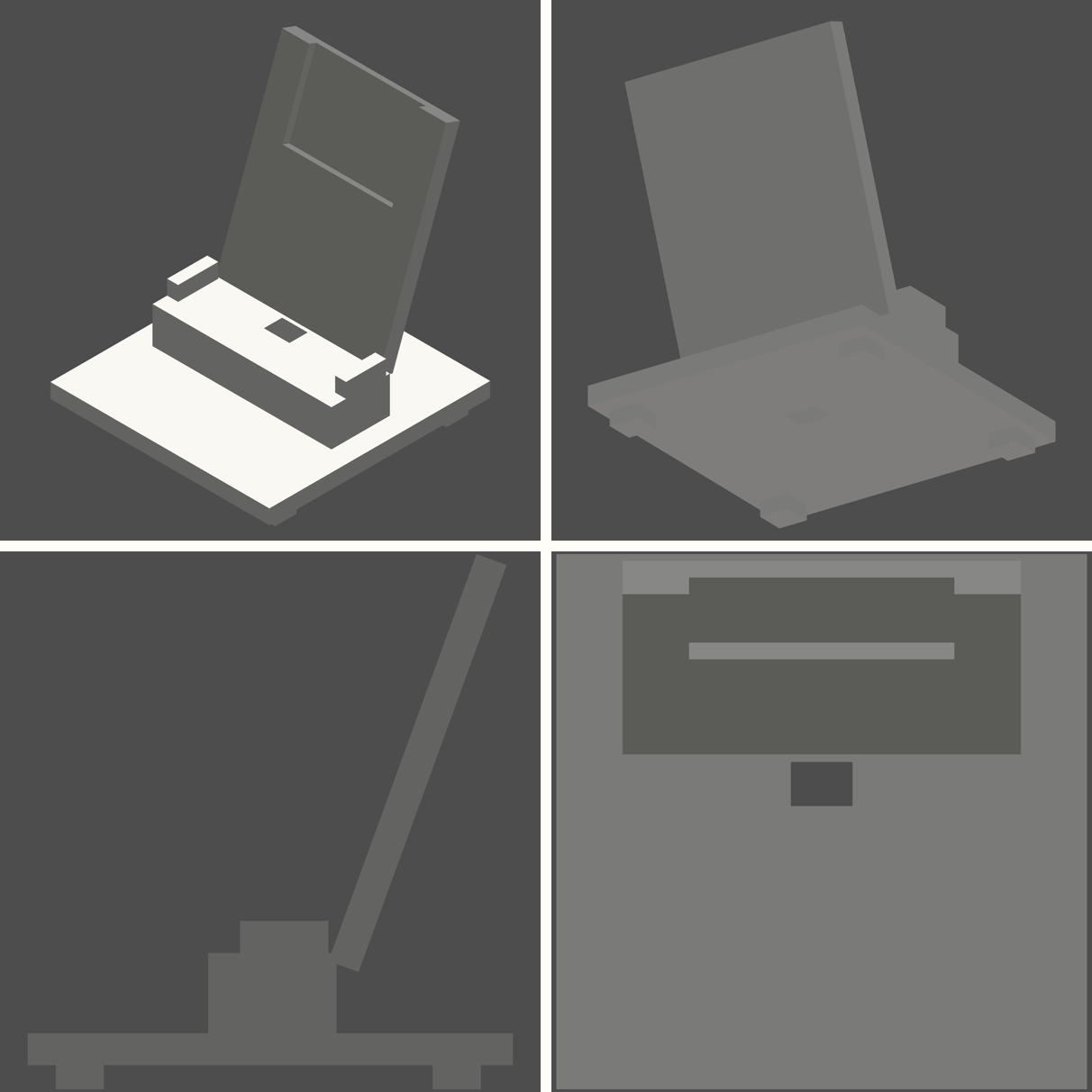
And the numbers from agentcad measure:
bounding box   120 × 121 × 133 mm
volume         248 cm³
solids         1
is_valid       true
One solid, no supports needed, a footprint that fits a nightstand. Download the STL or the STEP if you want to print or edit it.
Getting it onto the phone
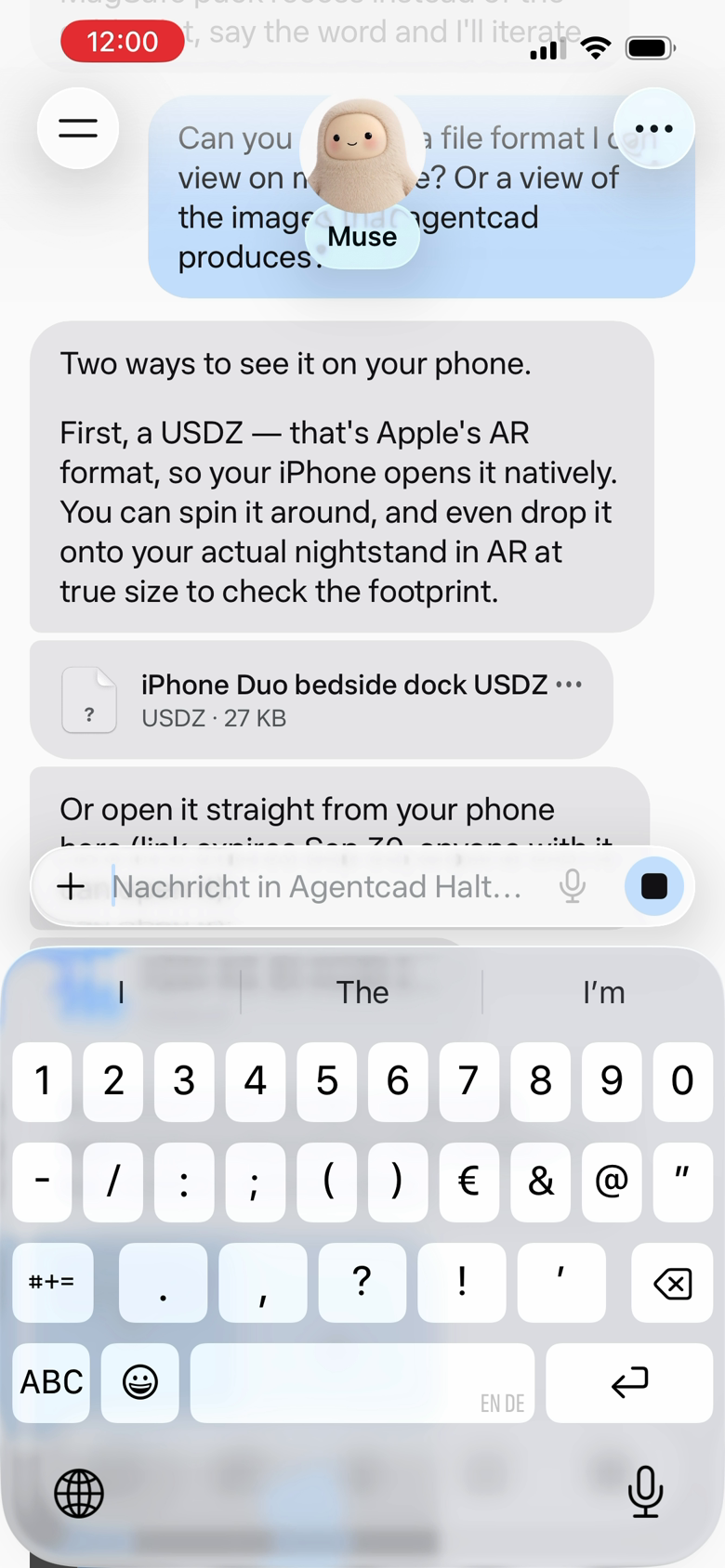
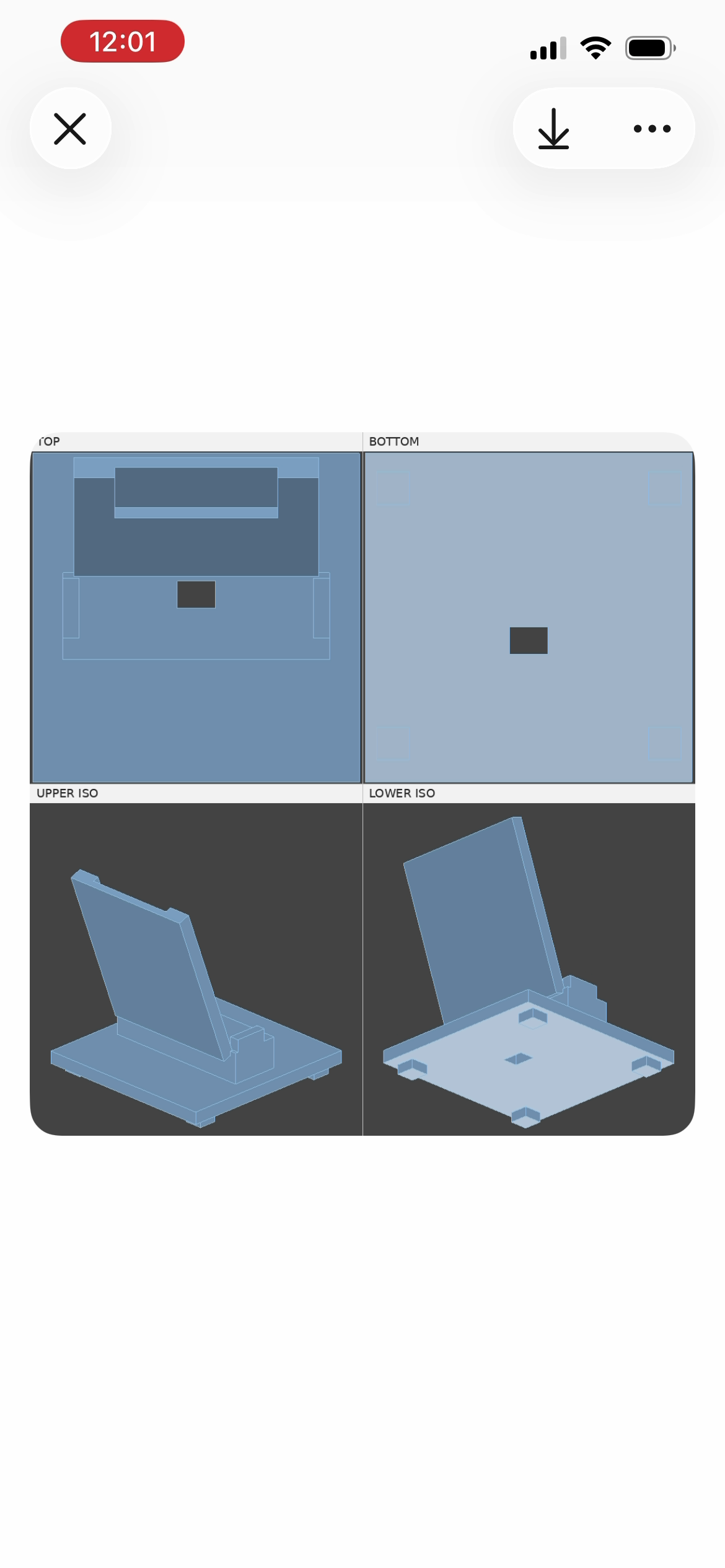
An STL is not much use inside a chat app, so I asked a follow-up: could I get a format I can view on my phone, or a look at the images agentcad produces? Muse exported a USDZ, uploaded it with a link, and attached agentcad's four-view composite (top, bottom, upper iso, lower iso).
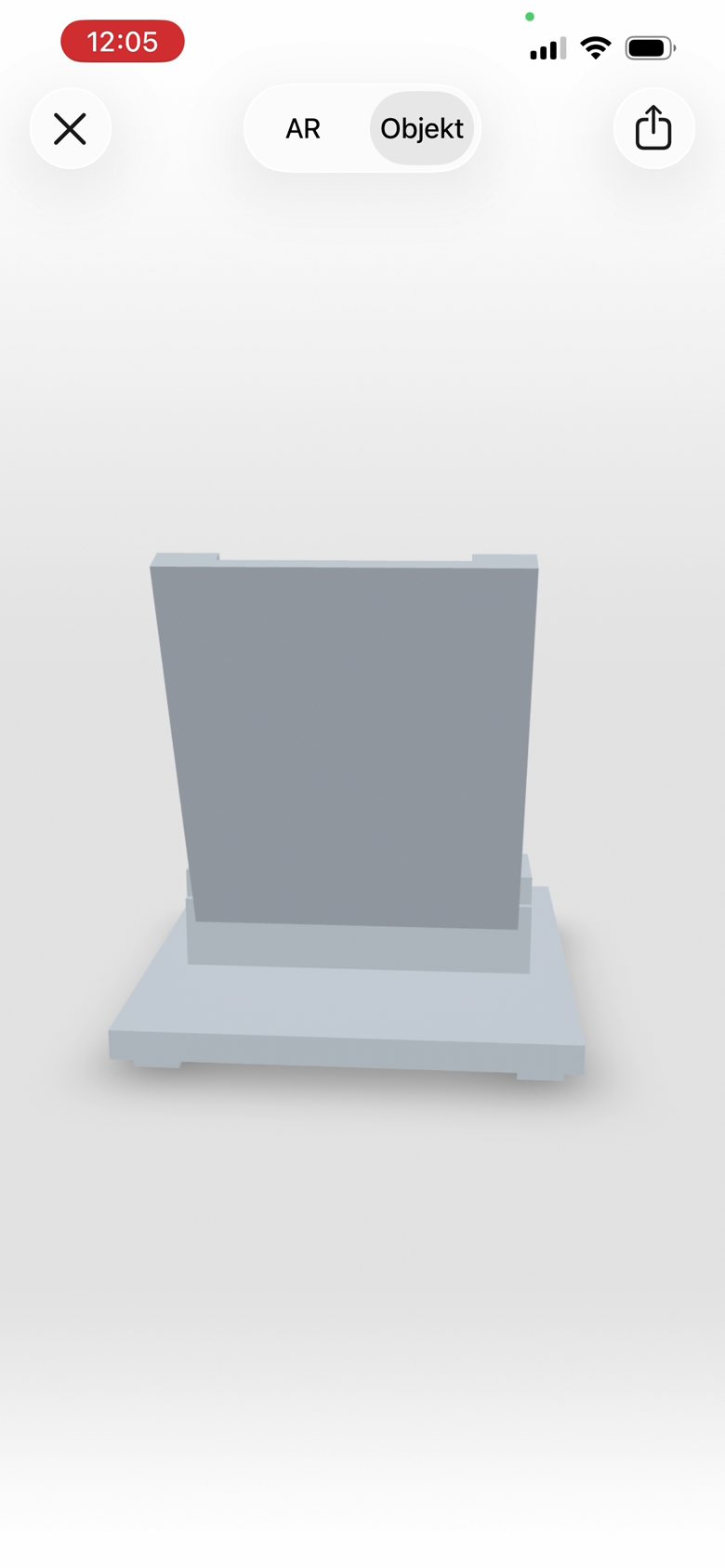
The USDZ opens in Apple's Object viewer, and you can drop it on the actual nightstand in AR to check the footprint.
Try it yourself
Paste this into Muse, or any agent that can install skills:
Use agentcad (you can find it on skills.sh) to design me a 3D-printable ______ for my desk. Show me a render.
Fill in the blank. Ask for a USDZ if you want to see it on your phone. agentcad is open source, free, and runs locally; the install details are on the getting started page.
Get release updates
Get an email when I publish new agentcad results and releases. I'll send a confirmation link before adding you.