Introducing parts
Build CAD assemblies your agent can inspect.
Real CAD work is complex things that fit together: gears, handles, caps, screws, rails, spacers, and the details hidden on the back. agentcad parts give those pieces names, colors, and groups while the model is being built.
See it in action
Model the toy as parts
My kids have this toy that I want to recreate using agentcad.
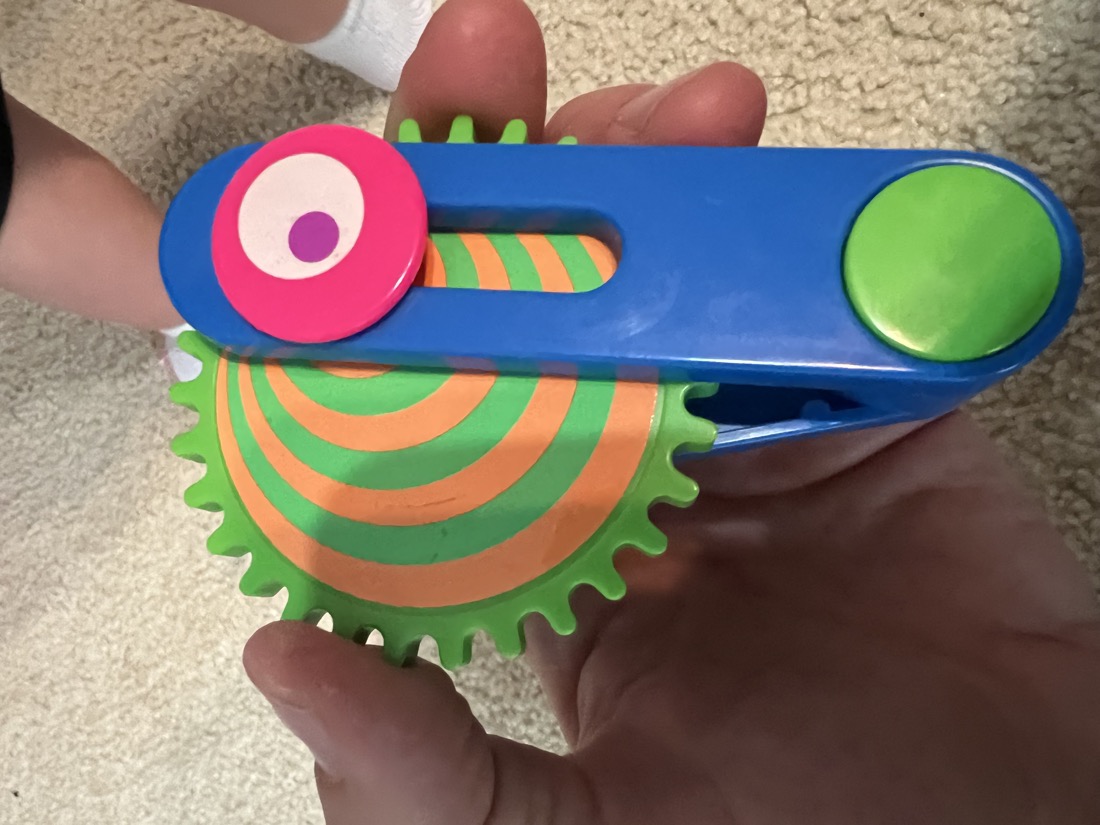
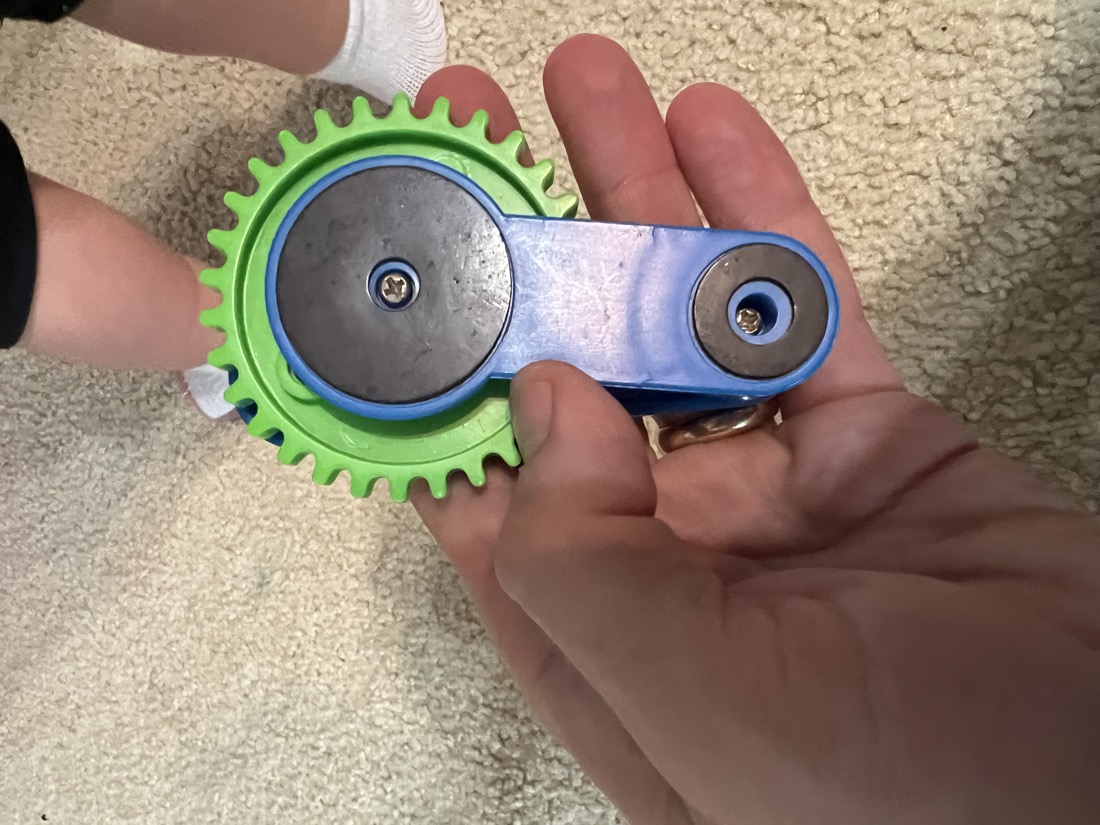
Recreate this child's toy from the two reference photos using agentcad.

Build it as a multi-part assembly. Give the parts stable IDs, human names,
groups, and colors so we can inspect the gear, handle, caps, and fasteners
separately in the viewer.
What the agent sees while it works
Every successful run gives the agent a four-view preview of the actual CAD output. It can check the side profile, front and rear isometric views, and color-coded details before deciding what to change next.
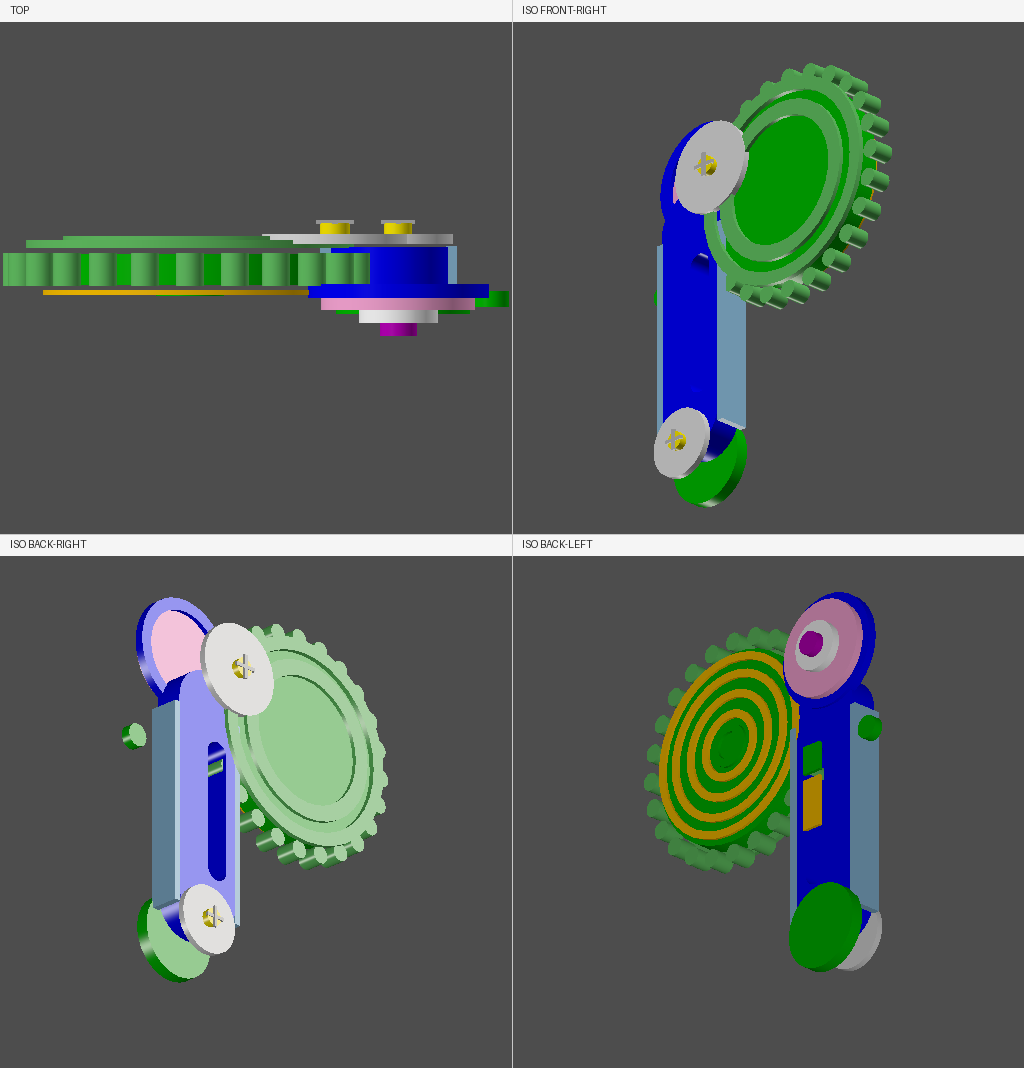
Then it brings that context back to the human
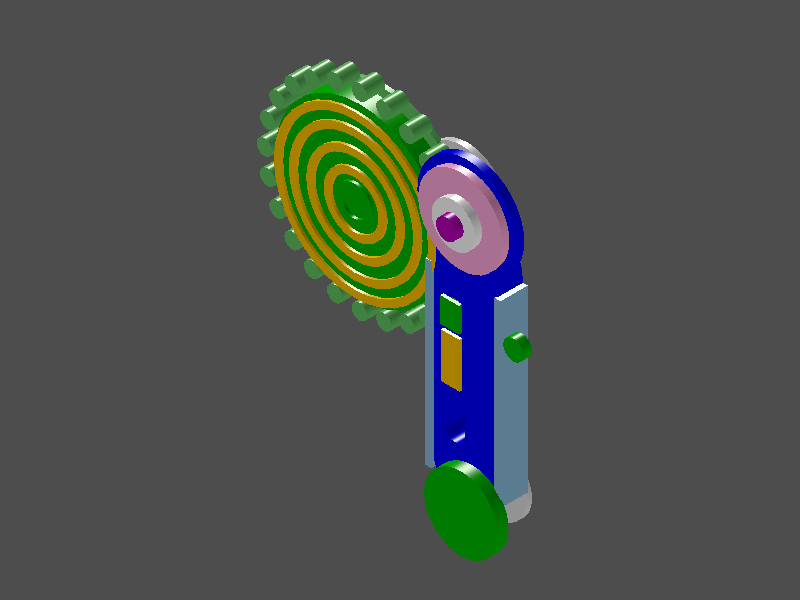
The agent can hand back a viewer with the parts context already set up. In this review, the fasteners are hidden so the gear, handle, and caps are easier to inspect together. The human still has the controls to show, hide, or isolate individual parts and groups.
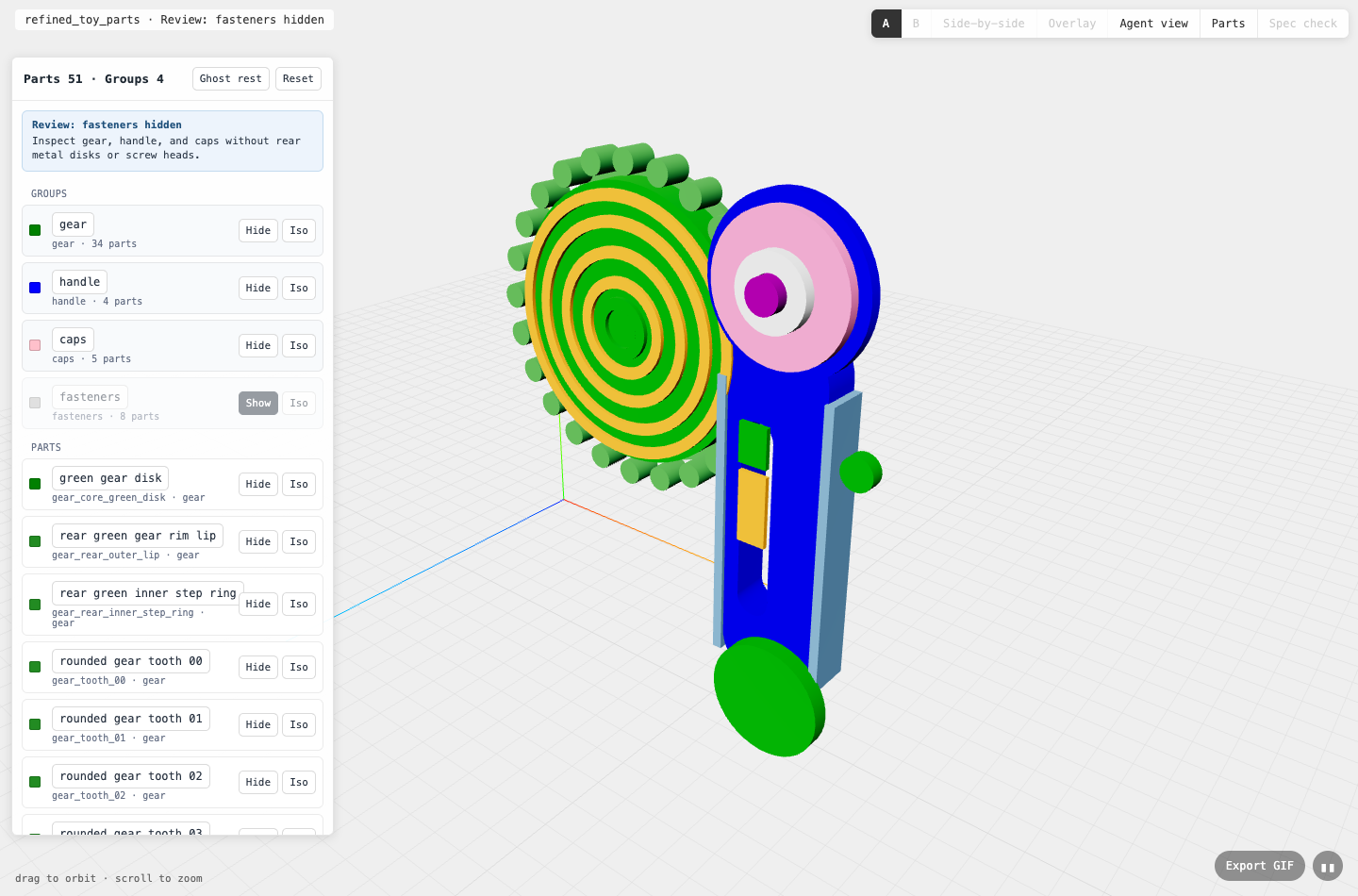
Groups show how pieces fit together
Instead of asking the agent to talk about "that green thing on the left," the viewer exposes the same grouped structure the agent wrote into the CAD run. That makes the assembly legible: gear, handle, caps, and fasteners can be reviewed separately or together.
Gear
34 partsgreenThe large toothed wheel, raised rim, concentric face rings, and visible colored bands.
Handle
4 partsblueThe slotted body, raised side rails, and upper collar that holds the cap stack.
Caps
5 partspinkThe front pink cap, white insert, purple center dot, lower green button, and side lug.
Fasteners
8 partssilverThe rear metal disks, screw heads, and cross-slot details used for back-side review.
$ agentcad parts list v2

51 parts
4 groups

gear       34 parts  green
handle      4 parts  blue
caps        5 parts  pink
fasteners   8 parts  silver
Each part can be inspected alone
Part IDs are stable, explicit strings, not generated labels. That gives the agent concrete names it can reuse while debugging, refining, or explaining the model.
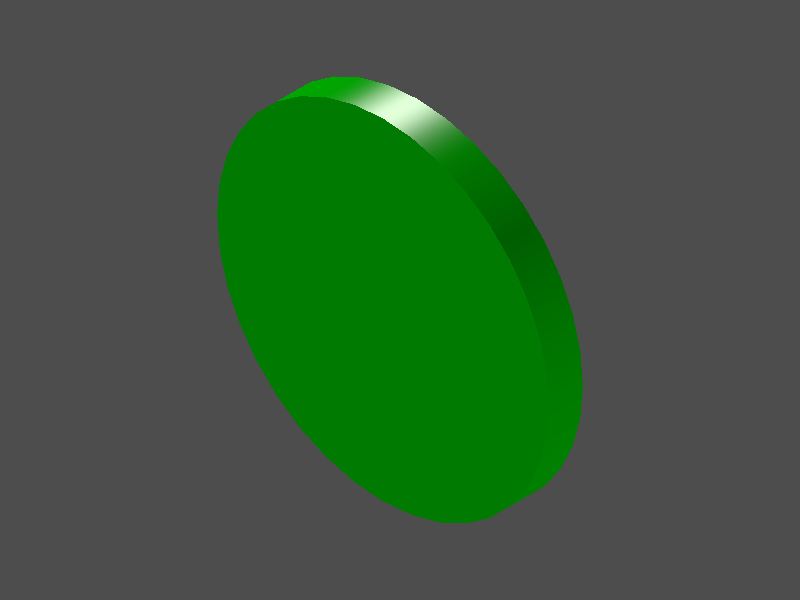
gear_core_green_disk
green gear disk
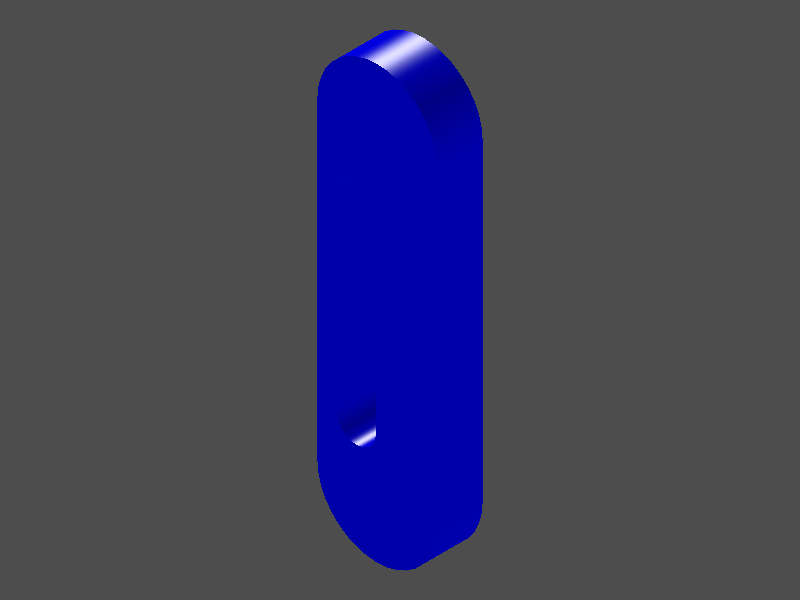
handle_blue_body_slotted
blue handle body with long slot
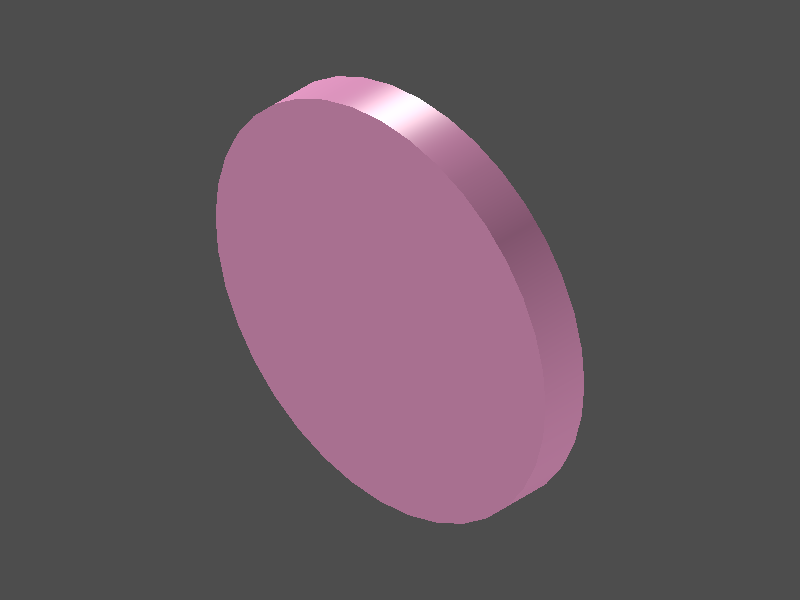
cap_pink_top_disk
pink top cap
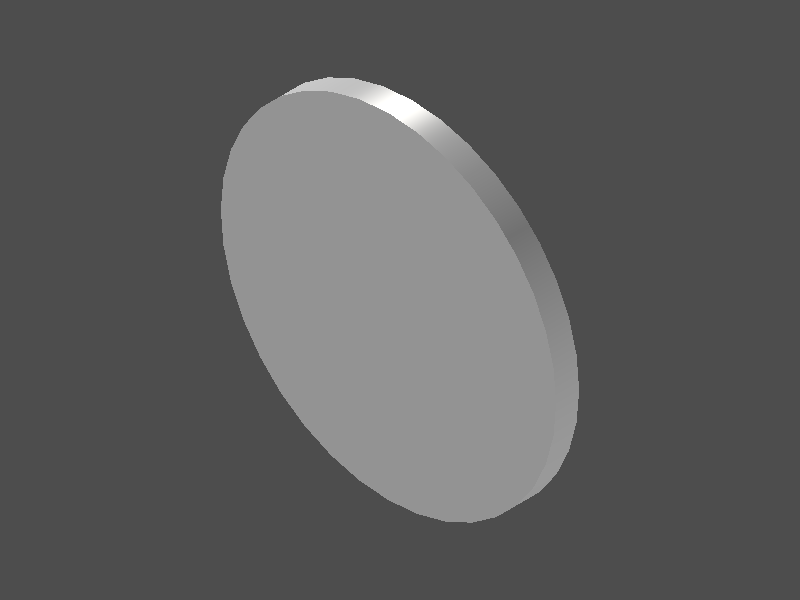
fastener_rear_top_metal_disk
rear top metal disk
Iteration stays visible
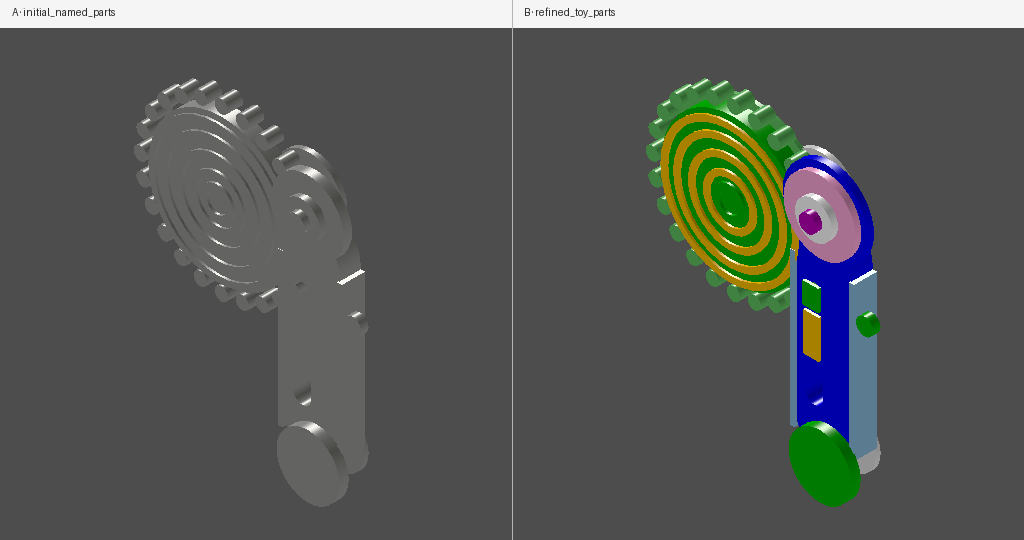
The first run captured the overall form. The second run added the missing visual details: clearer gear rings, the rear fastener stack, the handle slot, side lug, and colored inserts. Because the model is part-aware, those changes can be compared as design evolution, not just as two unrelated renders.
Focus the review with one command
Because the parts are named and grouped, the viewer can open in a review state instead of making the human recreate it manually.
$ agentcad parts view v2 \
  --hide-group fasteners \
  --label "Review: fasteners hidden" \
  --note "Inspect gear, handle, and caps without rear metal disks or screw heads."
Why this matters
Parts turn CAD generation into a conversation about assemblies, not pixels. The agent can say exactly what changed, the human can point at the same named group, and the viewer can focus both of them on the right relationship between pieces.
That is the bridge from "make an object that looks like this" to "show me how these parts fit, hide those fasteners, compare this version, and revise the cap without rebuilding the explanation from scratch."
Get release updates
Optional. New releases and agent-facing features. We’ll send a confirmation link before adding you.